Cricut Sticker Maker
Skip the clip art and template hunt. This AI Cricut sticker maker turns a simple description into a clean, die-cut sticker design — kawaii icons, planner stickers, vinyl decals, and holiday sheets — with bold outlines and crisp print-then-cut edges. Just describe a sticker, generate it in 4K, then print and cut it on your Cricut.
Try It Now — Free
Pick a sticker style or describe your own, and the Cricut sticker maker generates a clean, die-cut design in seconds — ready to print and cut, no account needed.
Cricut Sticker Maker
Choose a style or describe your sticker, then generate a clean print-then-cut design instantly
The Cricut Sticker Maker in Action
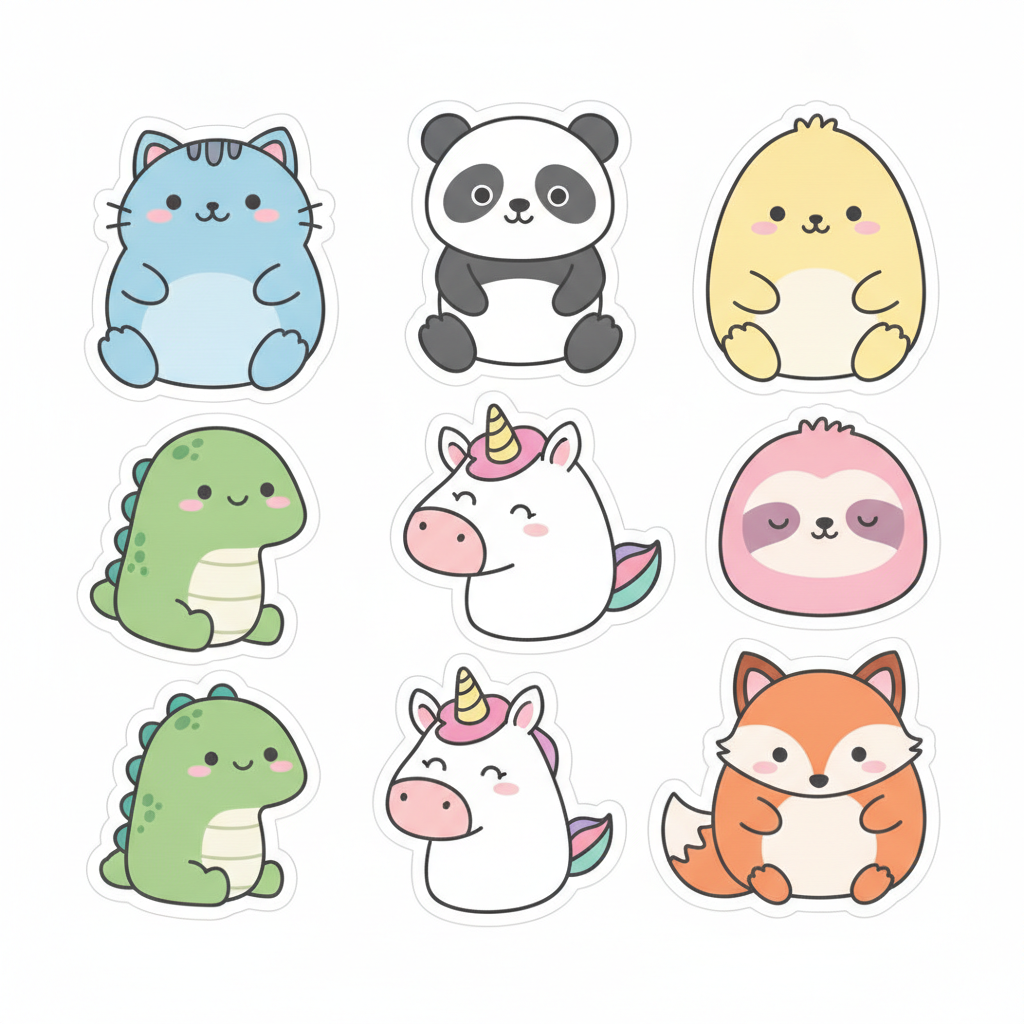
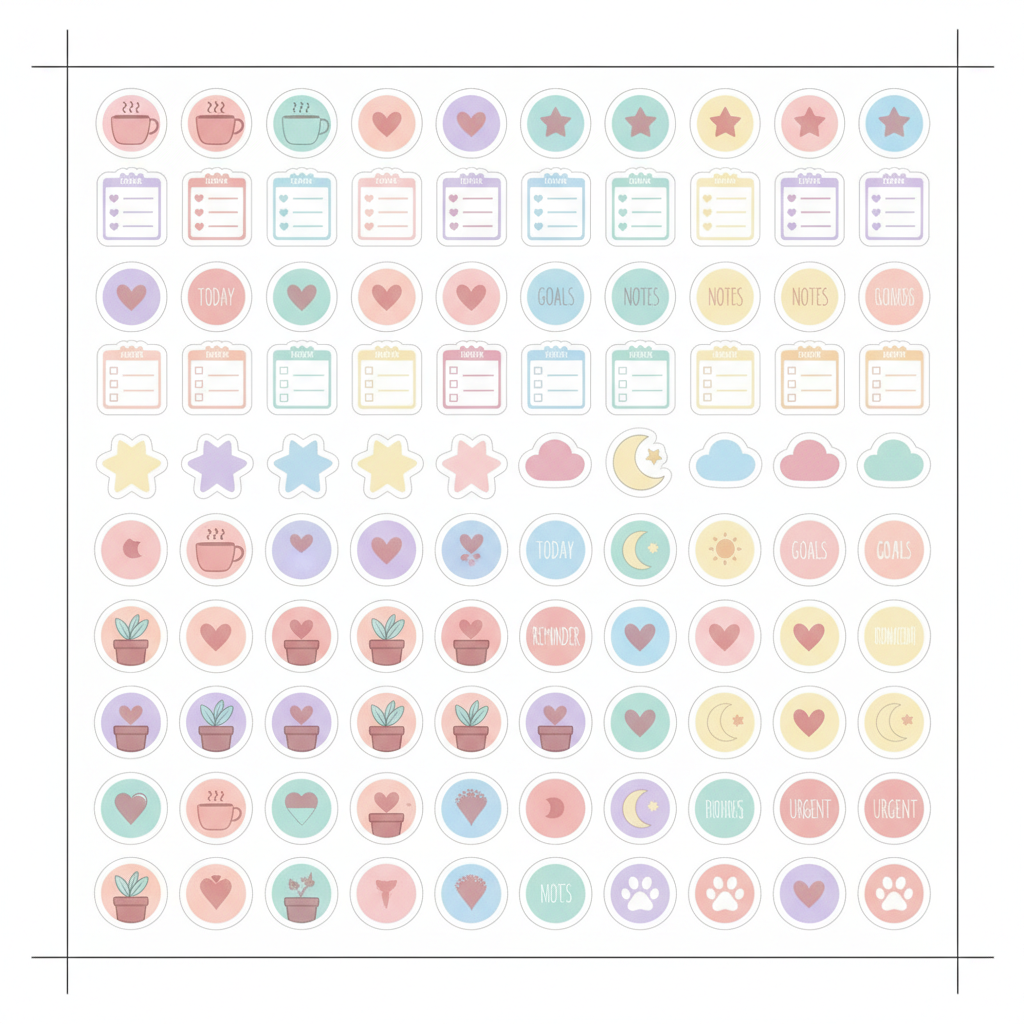
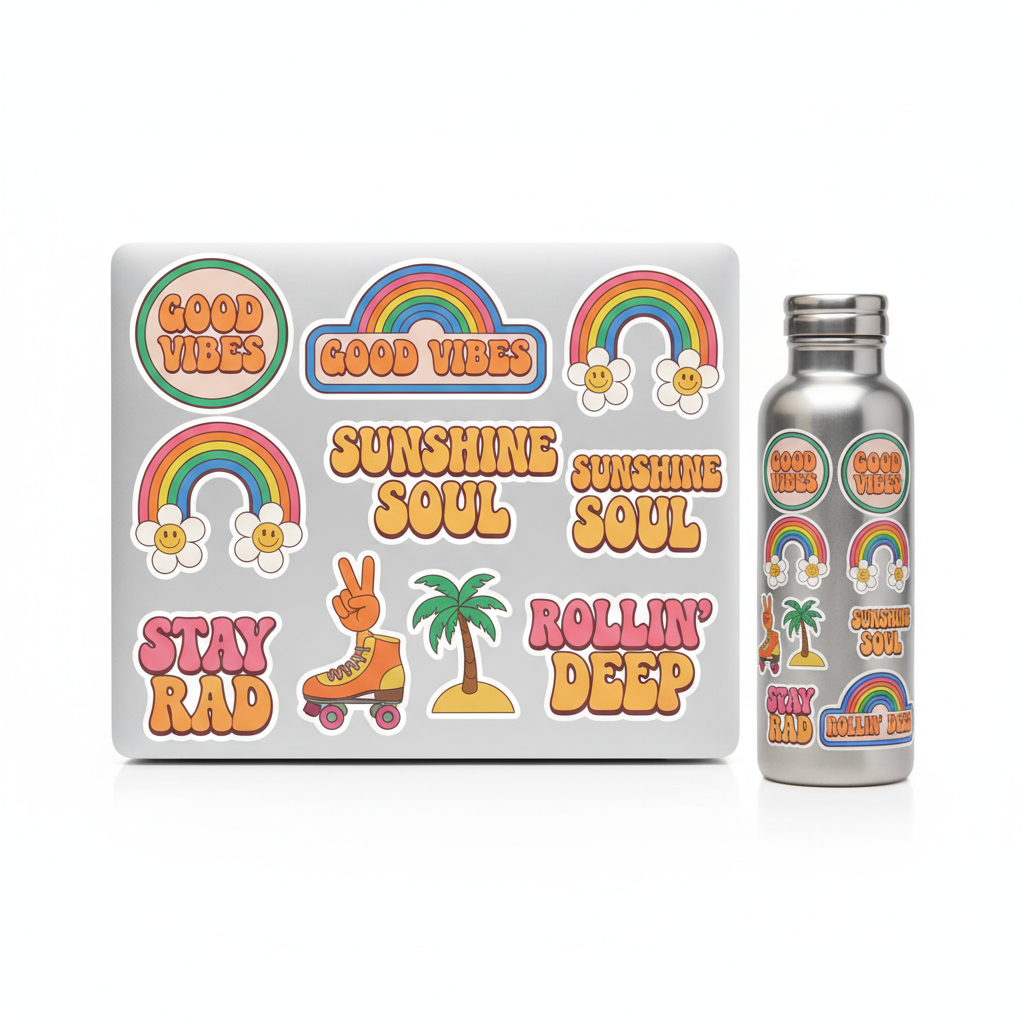
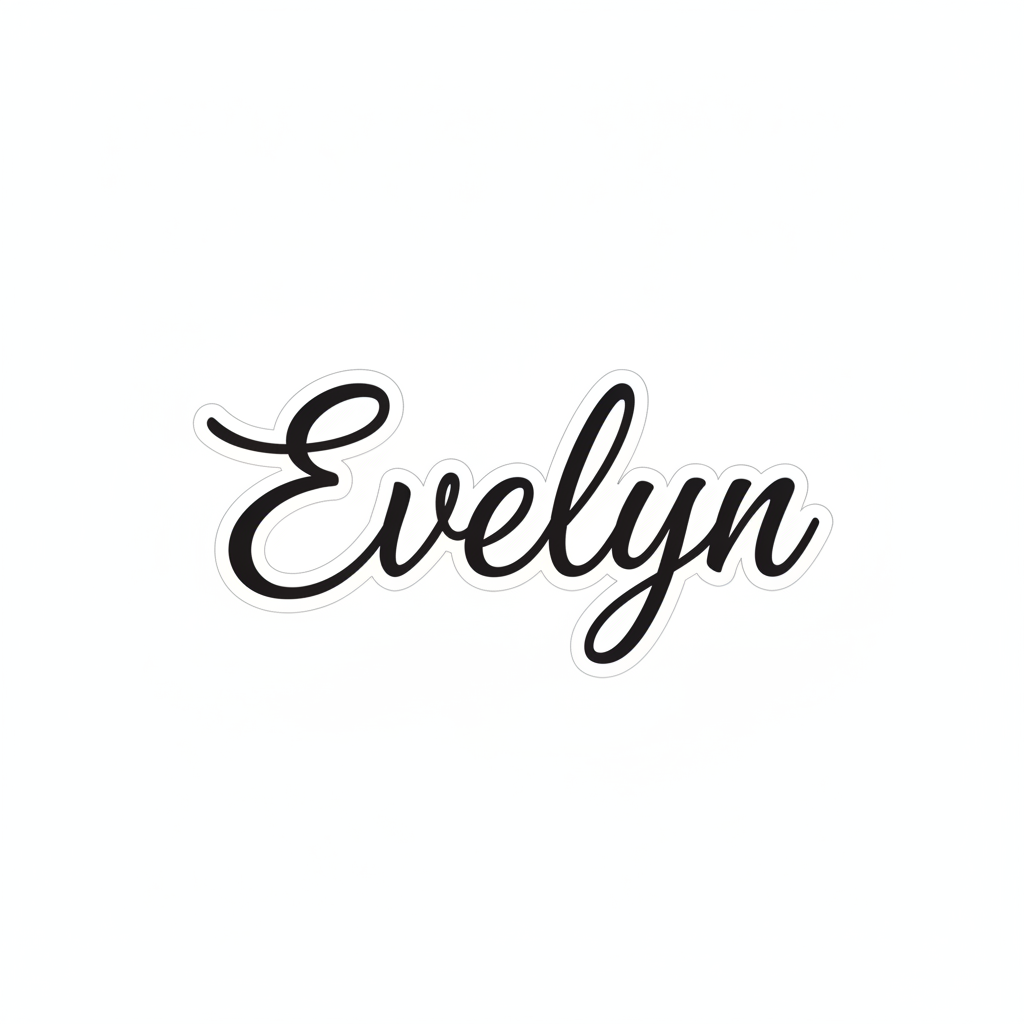
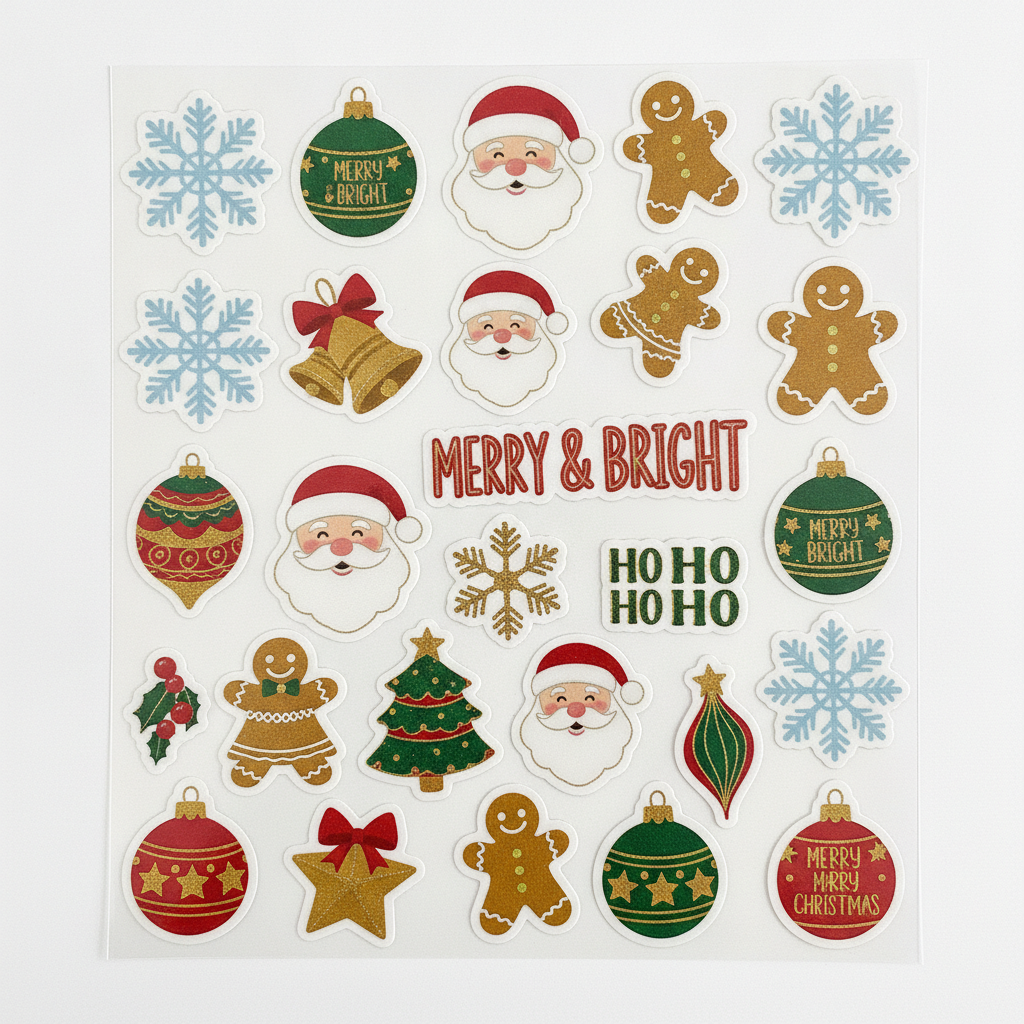
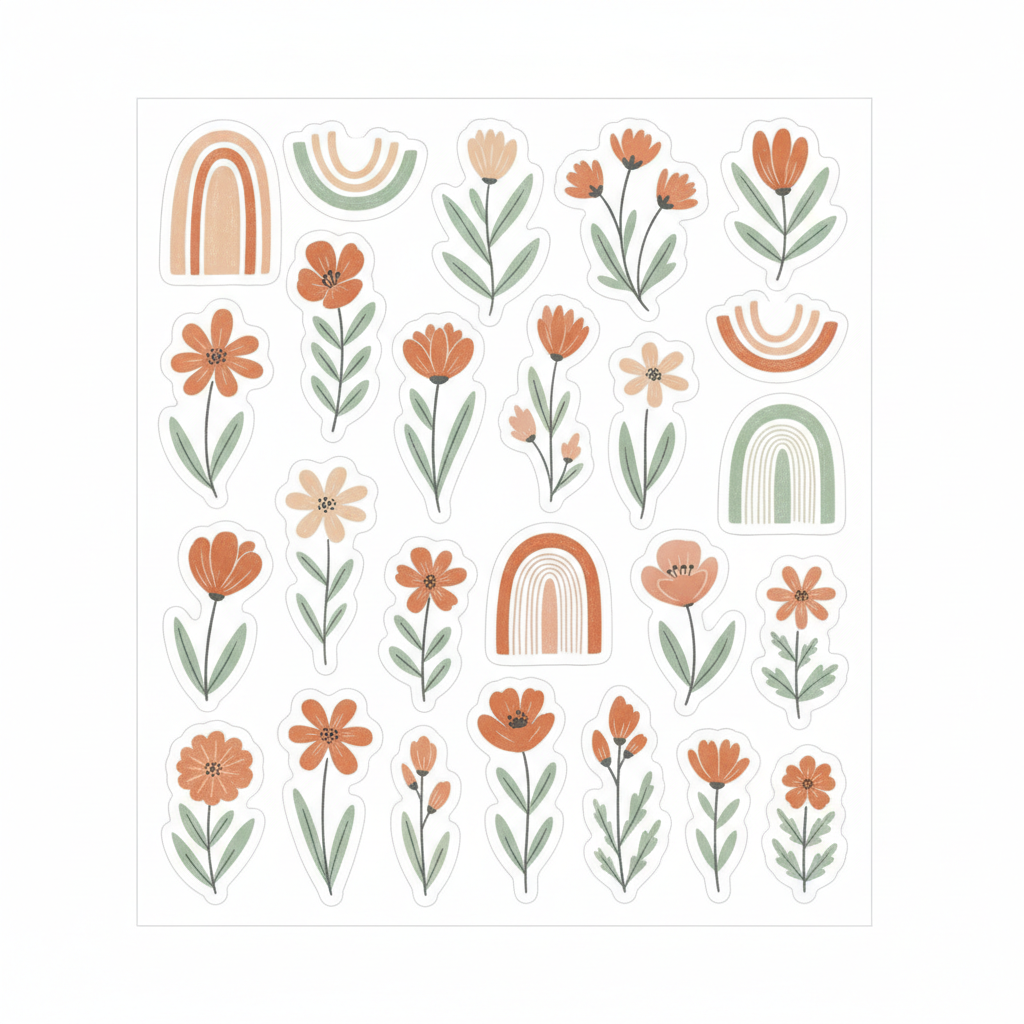
See the kind of clean, print-then-cut sticker designs the Cricut sticker maker creates from a single prompt
How the Cricut Sticker Maker Works
Go from an idea to a cut-ready sticker sheet in three simple steps
Describe Your Sticker
Pick a style — kawaii, planner, vinyl decal, name, holiday, or boho — or type your own idea. Tell the Cricut sticker maker the theme, colors, and any text you want on the sticker.
Generate the Design
Nano Banana Pro creates a clean, high-contrast sticker design with bold outlines and die-cut borders in about 20 seconds, so it imports neatly into Cricut Design Space for print-then-cut.
Print and Cut
Download your sticker in crisp 4K, upload it to Design Space, add cut lines, then print on sticker paper and let your Cricut do the cutting. Make as many sticker sheets as you like.
Why Crafters Love This Cricut Sticker Maker
Six reasons this Cricut sticker maker beats hunting for clip art and buying template bundles
Built for Print-Then-Cut
The Cricut sticker maker produces bold outlines, clean shapes, and die-cut borders, so your designs import cleanly into Cricut Design Space and the print-then-cut registration marks line up reliably.
Endless Original Designs
Describe any theme — pets, planners, quotes, holidays, your shop name — and get a fresh, original sticker. No more scrolling marketplaces or worrying about reusing someone else’s clip art.
Ready-Made Sticker Styles
Start from kawaii animals, planner icons, waterproof vinyl decals, script name decals, holiday sheets, or floral boho packs. One click gives you a tailored sticker you can tweak and regenerate.
No App to Install
The Cricut sticker maker runs right in your browser. No downloads, no design software to learn, and no sign-up wall — just describe a sticker and generate it in seconds.
4K Print-Ready Quality
Every design renders in crisp 4K, sharp enough to print on glossy or matte sticker paper and cut cleanly, whether you are making a single decal or a full sticker sheet.
Free to Start
Create your first stickers with free starter credits — no credit card required. Upgrade only when you want more sticker sheets and premium 4K quality for your shop or craft projects.
Frequently Asked Questions
Common questions about the Cricut sticker maker
Design Your Stickers in Seconds
Describe a sticker and the Cricut sticker maker generates a clean, print-then-cut design in crisp 4K — kawaii, planner, vinyl, name decal, and holiday styles, ready for Cricut Design Space. Try it free. Plans from $9.98/mo.
Custom Stickers for Cricut, Powered by AI
Making stickers on a Cricut is fun until you have to find the artwork. Browsing marketplaces for clip art, buying template bundles, and wrestling design software eats up the time you wanted to spend crafting. The Cricut sticker maker fixes that by turning a plain description into a clean, cut-ready sticker design. Tell it the theme, the colors, and any text you want, and the AI draws bold outlines, flat colors, and die-cut borders that drop straight into Cricut Design Space.
Generic clip art often has thin lines, busy backgrounds, or messy edges that make print-then-cut unreliable. This Cricut sticker maker is different: Nano Banana Pro understands how a sticker needs to look to cut well, so it produces high-contrast shapes with clear kiss-cut and die-cut borders on a plain background. The result is a sticker sheet that registers correctly and cuts cleanly, every time.
Because everything runs in your browser, there is nothing to install and no steep learning curve. You can start from any device, generate your first sticker design in seconds, and explore many styles with a free tier to get you going before you print and cut.
From One Prompt to a Whole Sticker Shop
What sets this Cricut sticker maker apart is how flexible it is. Planner fans build pastel icon sets for their journals, small shops design branded packaging and thank-you stickers, parents make name labels and reward charts, and hobbyists create decals for laptops, water bottles, and car windows. Each style — kawaii, planner, vinyl, name decal, holiday, or boho — starts you off, and a custom prompt takes you anywhere.
People use the Cricut sticker maker to design seasonal sheets for the holidays, to prototype product ideas before a craft fair, and to keep a steady stream of fresh stickers for an Etsy or local shop. Every design renders in 4K, so it stays crisp when you print it on glossy or matte sticker paper and cut it on your Cricut, and you can keep regenerating to explore every variation.
Whether you want a single script name decal or a full print-then-cut sticker sheet, the Cricut sticker maker gives you a fast, affordable way to turn ideas into cut-ready artwork. Start free today and design your next batch of stickers with the click of a button.
Try the Cricut sticker maker free today. Describe a sticker and get a clean, print-then-cut design in 4K — kawaii, planner, vinyl, name decal, and holiday styles, ready for Cricut Design Space. No credit card required. Paid plans from $9.98/mo.