MS Paint Redraw AI
The whole internet is busy turning their photos into the worst drawings imaginable, and this MS Paint redraw AI is built for exactly that. Upload a selfie, a pet, a couple shot or a holiday snap, and it redraws it as a gloriously bad Microsoft Paint doodle — wobbly mouse-drawn outlines, flat paint-bucket fills, lopsided eyes, scribble hair and a canvas that looks like it was dragged out of a 2003 desktop. After years of AI chasing photo-perfect realism, the funniest thing you can do with it is make something deliberately terrible. It runs on Nano Banana Pro, so it actually reads your photo and keeps the pose and composition recognizable while wrecking the art style on purpose — no clip-art overlay, just a real bad redraw in about ten seconds.
Try the MS Paint Redraw AI — Free
Upload a photo and pick how badly to redraw it, or switch to text mode and describe the scene. Your terrible MS Paint doodle comes back in about ten seconds.
MS Paint Redraw AI
Upload a photo to redraw it as a bad MS Paint doodle, or generate the look from a text prompt
Upload a photo, pick a doodle style, then add any detail — or switch to text-to-image to generate a bad drawing from scratch
Photos Redrawn Badly by the MS Paint Redraw AI
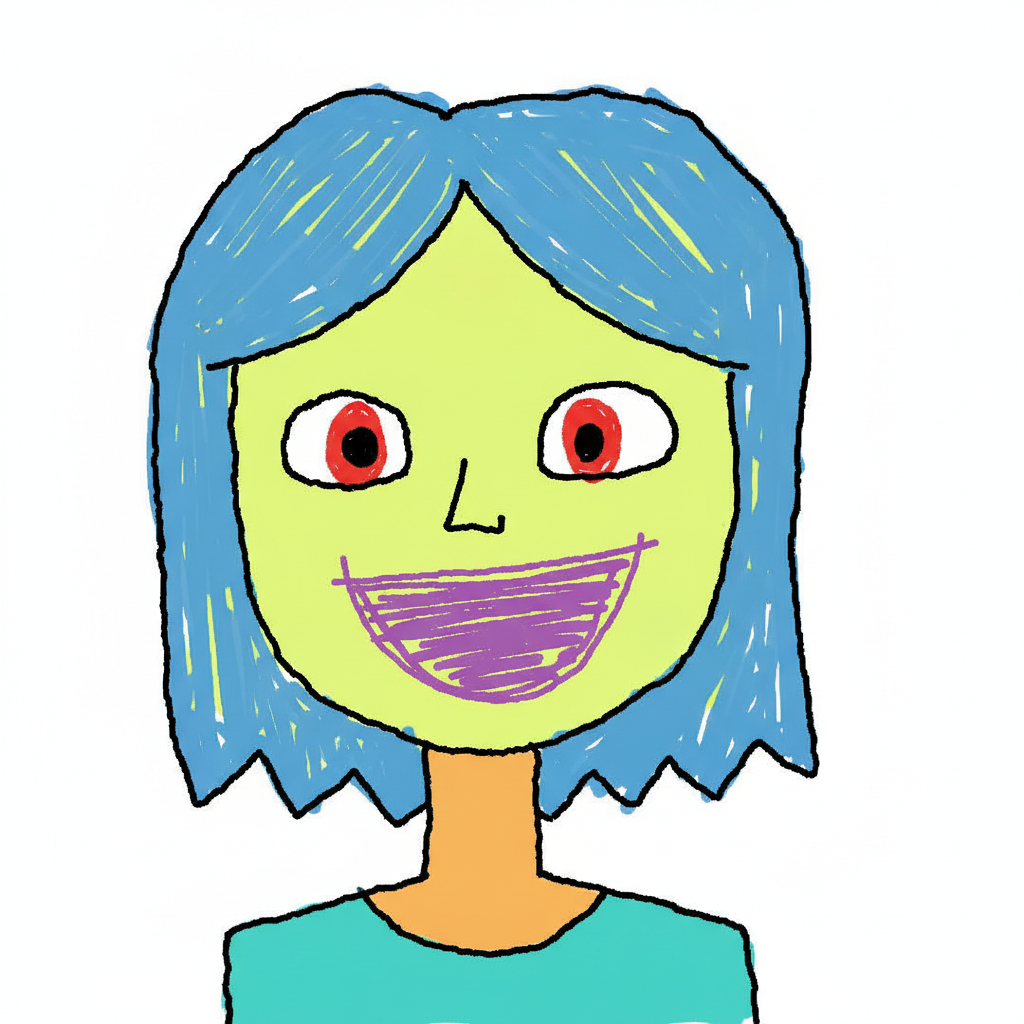
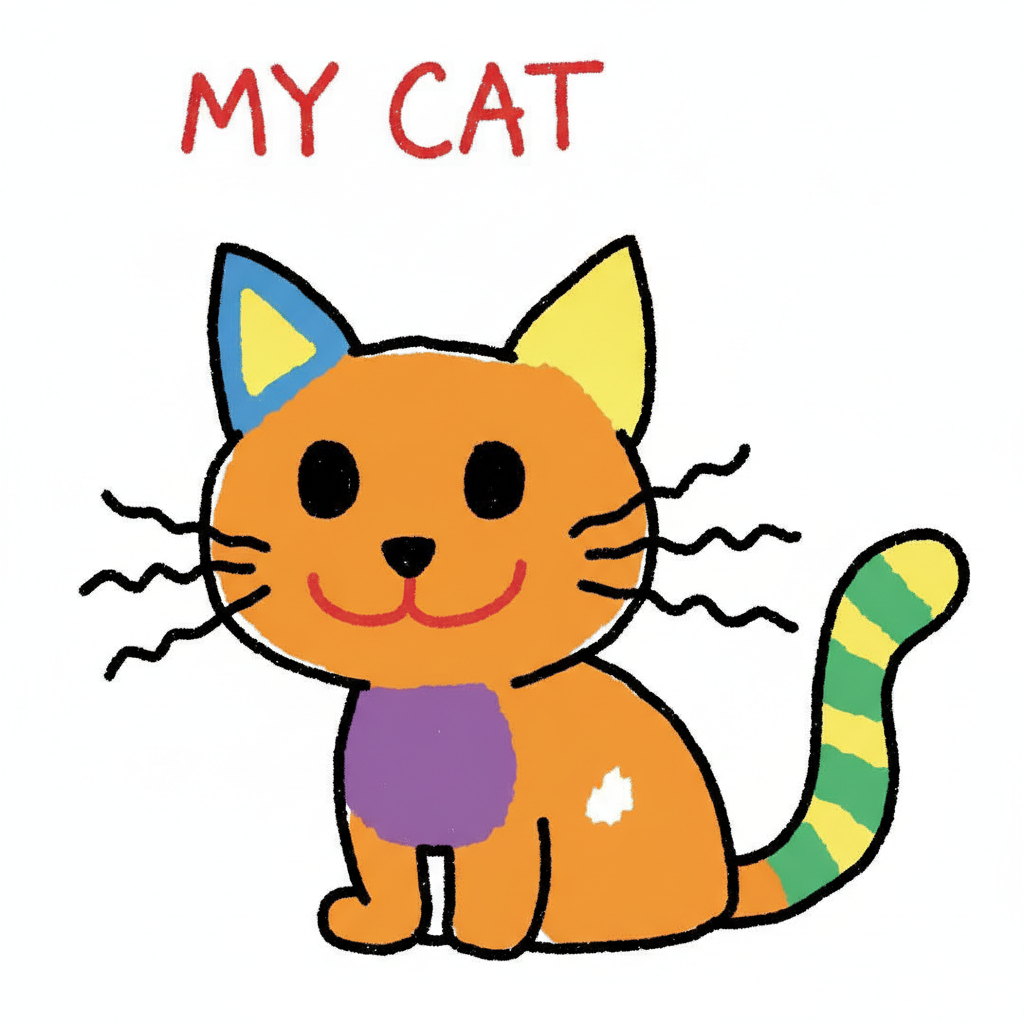
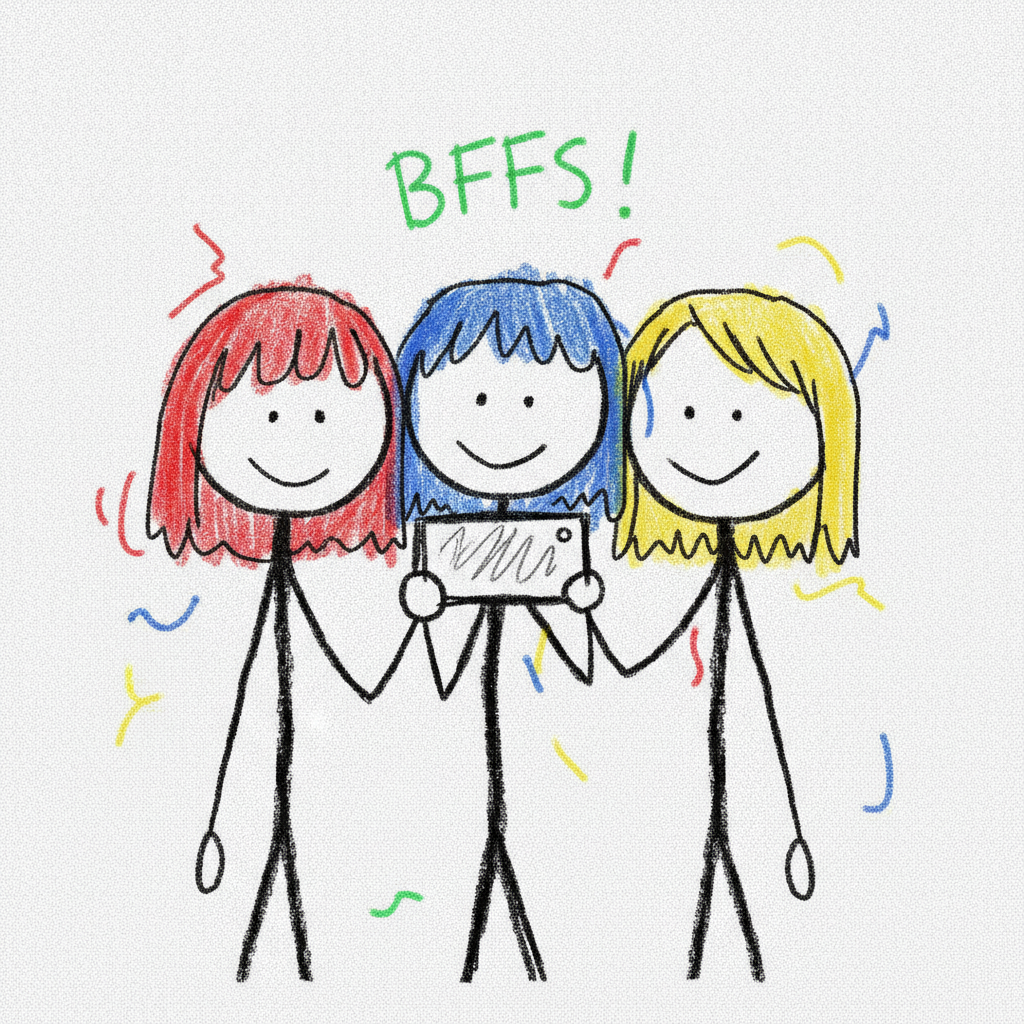
Selfies, pets, friends, travel shots and food — every one run through the MS Paint redraw AI for that wobbly, lopsided, gloriously terrible doodle look
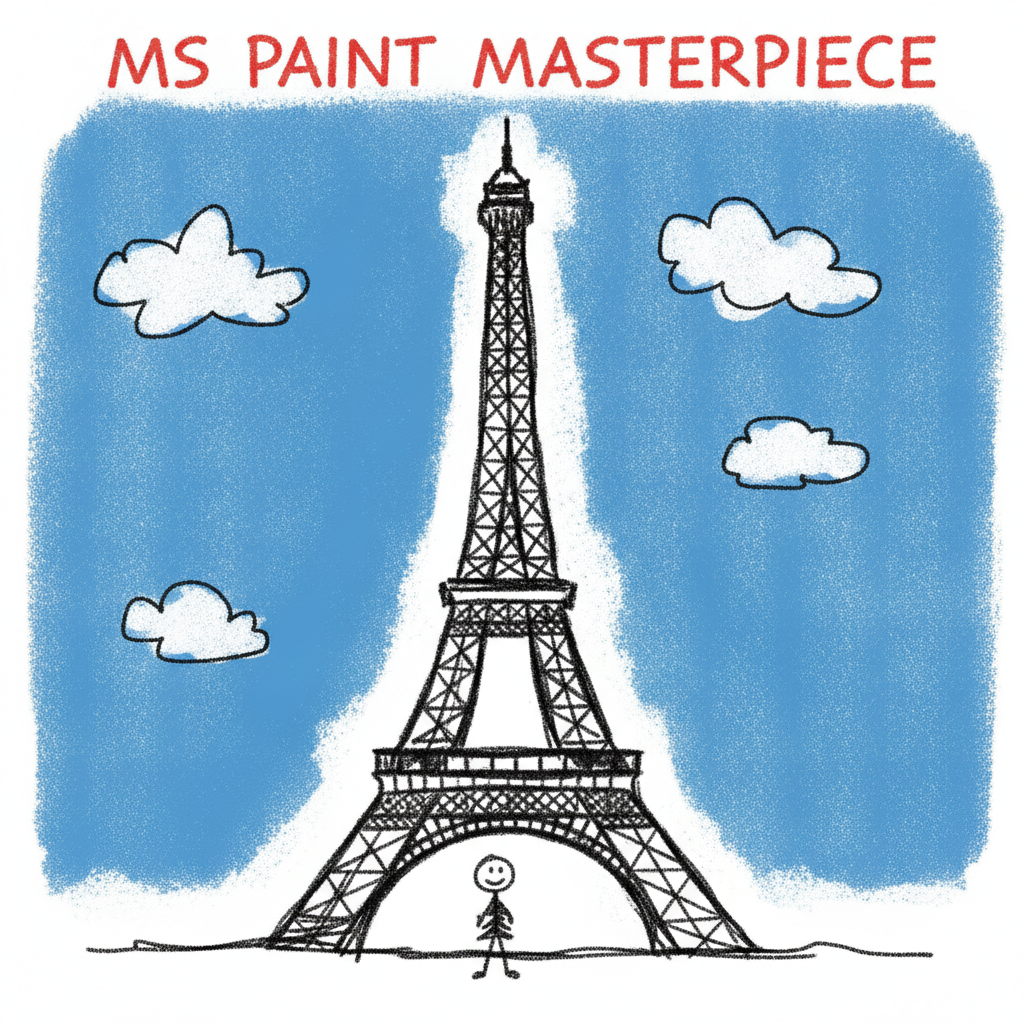
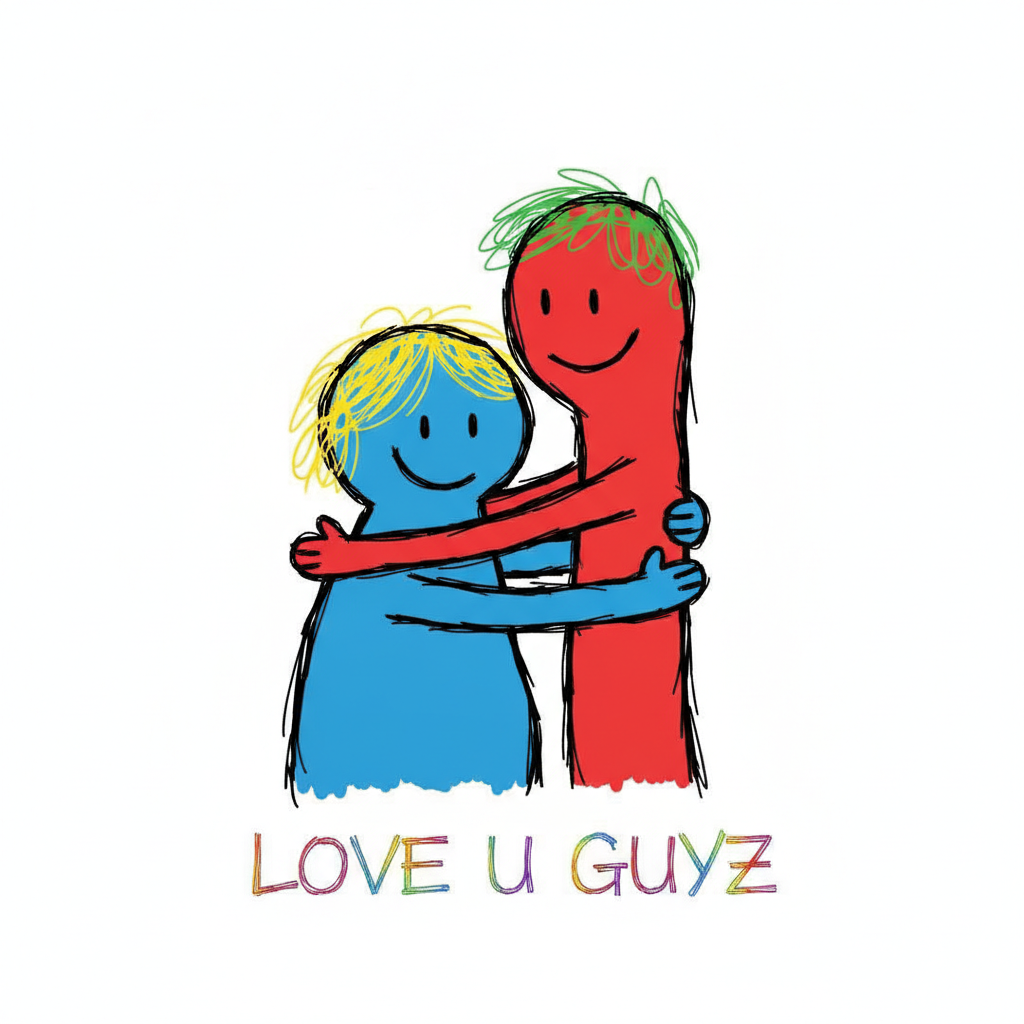
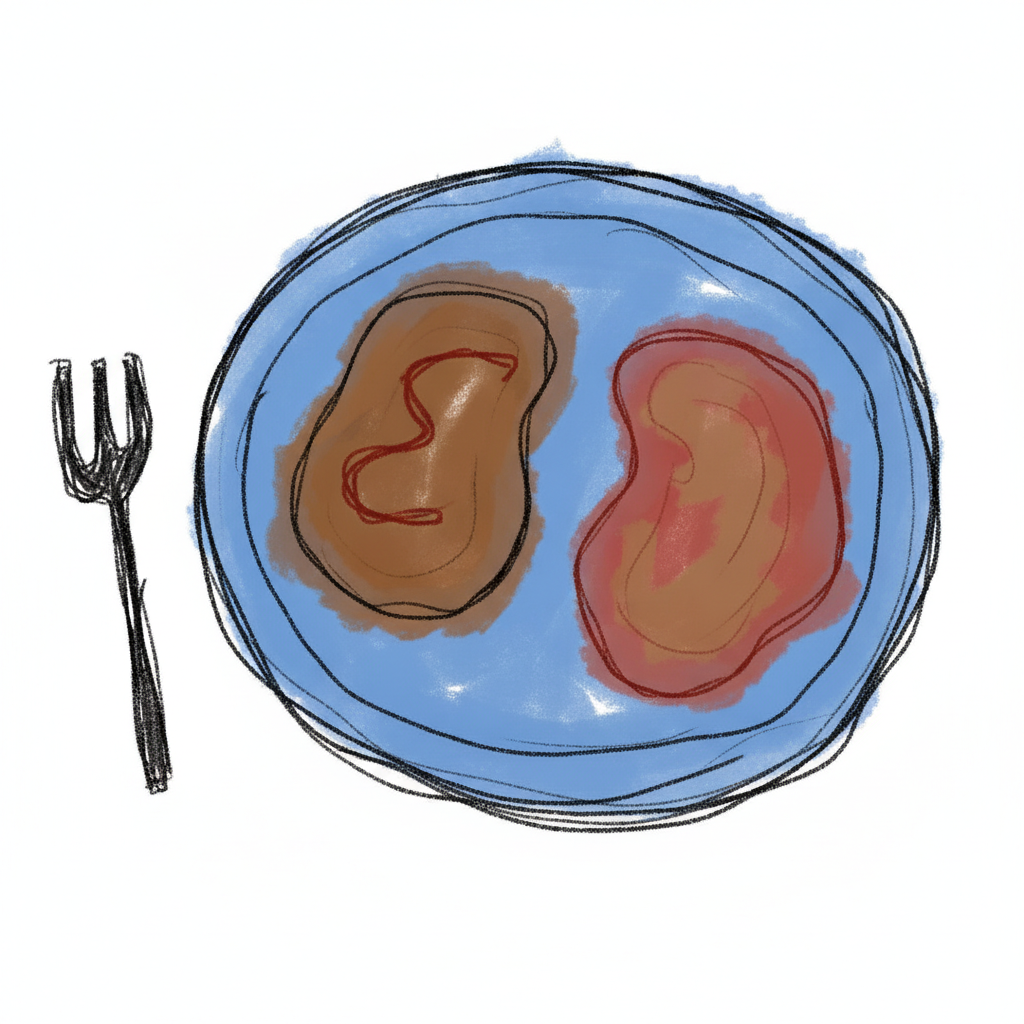
How to Use the MS Paint Redraw AI in Three Steps
From a normal photo to a terrible MS Paint masterpiece
Upload or Describe
Drop in the photo you want ruined in the best way — a selfie, your pet, a group shot, a holiday picture. No photo on hand? Switch the tool to text-to-image and just describe the scene, like "my cat sitting on the couch", and the MS Paint redraw AI invents a bad doodle of it from scratch. No account needed to try your first one.
Pick How Bad
Choose a doodle style: a classic bad doodle, an awful scribble, a childlike version, a stick-figure redraw, a lopsided portrait or a shareable meme edit. Add a short note in the details box to keep it recognizable, name the subject, or ask it to draw as awfully as humanly possible.
Generate and Share
Your terrible MS Paint drawing comes back in roughly ten seconds, watermark-free and ready to post. Too neat? Ask for it messier, more lopsided or more scribbly and run it again — each pass redraws the photo fresh rather than repeating the last attempt, so you can make it as gloriously bad as you want.
Why This MS Paint Redraw AI Nails the Bad-Art Trend
Six reasons the terrible doodles actually land
Bad on Purpose, Not by Accident
Most AI tools fail at this because they secretly want to look good — ask for a bad drawing and you still get clean lines and tasteful color. Every preset here is written to be clumsy on command: wobbly mouse-drawn outlines, colors that spill past the edges, lopsided features and flat bucket fills. The MS Paint redraw AI commits to the joke instead of quietly fixing it, which is exactly why the results are funny.
Keeps the Subject Recognizable
The whole gag only works if people can still tell what it is. Because it runs on Nano Banana Pro, the tool reads your actual photo and holds onto the pose, layout and general subject while wrecking only the art style. Your friends can see it is clearly you, your dog or your group shot — just redrawn like a five-year-old got hold of a mouse.
That Authentic Microsoft Paint Look
A real MS Paint drawing has tells: jagged pixel edges on diagonal lines, hard flood-fill color with no shading, a blinding white canvas and the shaky wobble of someone drawing with a mouse. The redraw AI rebuilds those specific tells rather than applying a generic cartoon filter, so the output reads as a genuine bad Paint doodle and not a polished illustration pretending to be one.
Six Levels of Terrible
Not every bad drawing is bad in the same way. Pick a classic doodle, a chaotic scribble, a childlike crayon-ish version, a stick-figure redraw, a lopsided single-face portrait or a meme-ready edit with scribbled arrows. Each preset dials in a different flavor of awful, so you can match the energy of the trend you are riffing on.
Upload or Generate From Text
Have a photo you want to destroy artistically? Upload it and pick a style. Starting from nothing? Switch to text mode and describe the scene — your cat, a couple, a landmark selfie — and the tool draws a bad MS Paint version from scratch. One tool covers both the "redraw my actual photo" job and the "invent a terrible doodle" job.
4K, Watermark-Free, From $2.99
Your bad art exports at up to 4K with no watermark, so it stays crisp whether it goes in a group chat, a meme post or a printed gag gift. The first ones are free with no credit card, and paid plans start at $2.99 when you want to redraw a whole camera roll — far cheaper than any subscription app that locks a single effect behind a monthly fee.
Frequently Asked Questions
Common questions about the MS Paint redraw AI and the bad-art trend
Redraw Any Photo Terribly in MS Paint Style
Upload a shot or describe a scene and the MS Paint redraw AI turns it into a gloriously bad doodle — wobbly outlines, flat fills and lopsided features. 4K, watermark-free, powered by Nano Banana Pro. Free to start, plans from $2.99.
The MS Paint Redraw AI and the Rise of Bad Art
For years, every AI image company was locked in the same race: whose model could produce the most realistic, most polished, most jaw-dropping picture. Then the internet got bored of perfect. A prompt started circulating asking AI to redraw photos as badly as possible, in clumsy Microsoft Paint style, and it spread like wildfire across X, Reddit, Instagram and TikTok. Suddenly the funniest thing you could do with a state-of-the-art image model was make it draw like a bored kid with a mouse. This MS Paint redraw AI exists to give you that look on demand — the wobbly lines, the flood-fill colors and the lopsided faces — without needing the exact magic wording or ten failed attempts.
The reason a normal cartoon filter never captures it is that bad MS Paint art is specific. It has hard flood-fill color with zero shading, jagged pixel steps on every diagonal, a blinding white canvas and the unmistakable shake of a hand dragging a mouse. Nano Banana Pro reads your actual photo and rebuilds those exact tells while keeping your pose and subject recognizable, so the result behaves like a genuine clumsy doodle of your picture rather than a tasteful illustration wearing a costume.
One Tool for Redraws and Invented Doodles
People reach for the MS Paint redraw AI in two ways. The first is to redraw a photo they already have: a selfie that looks too good, a pet, a couple, a group shot from a night out. Upload it, pick how bad to go, and it comes back looking like a five-minute Paint scribble that is still unmistakably them. The second is to generate the look from nothing — switch to text mode, describe a scene like a cat on a couch or friends at a party, and the tool invents a believable terrible doodle of a moment that never happened. Both routes land on the same gloriously bad Microsoft Paint aesthetic.
Start free with no account: run a few of your own photos through the redraw, judge them at full zoom, and only move to a paid plan from $2.99 when you want to push a whole camera roll through the bad-art treatment or export at 4K again and again. Everything comes back watermark-free and cleared for personal and commercial use, so your terrible doodles go straight to a group chat, a meme post, a birthday card or a printed gag gift. If the first result is too tidy, ask for it messier, more lopsided or more scribbly and generate again — each pass redraws the image fresh rather than repeating the last one, so you can dial the MS Paint badness in exactly as hard as you want it.