
Qwen Image Multiple Angles Generator
Searching for a qwen image multiple angles workflow? Upload a single reference photo and generate the same character, product, or scene from brand-new camera angles — front, side, three-quarter, low, high, and full turnarounds — while keeping the face, outfit, and details perfectly consistent. Powered by Nano Banana Pro, this free online tool turns one image into a complete set of multiple angles in seconds, with no 3D software, no re-shoots, and no design skills required.
Try the Qwen Image Multiple Angles Generator — Free
Upload one clear reference image, pick the angle or turnaround you need, and generate a fresh view in about twenty seconds. Nano Banana Pro keeps the subject's identity, outfit, and style consistent so every angle looks like the same character or product.
Qwen Image Multiple Angles Generator
Upload one photo and generate the same subject from a new camera angle with consistent identity
Upload one clear reference image of your character or product, pick an angle, and click Generate
What Qwen Image Multiple Angles Generation Can Create
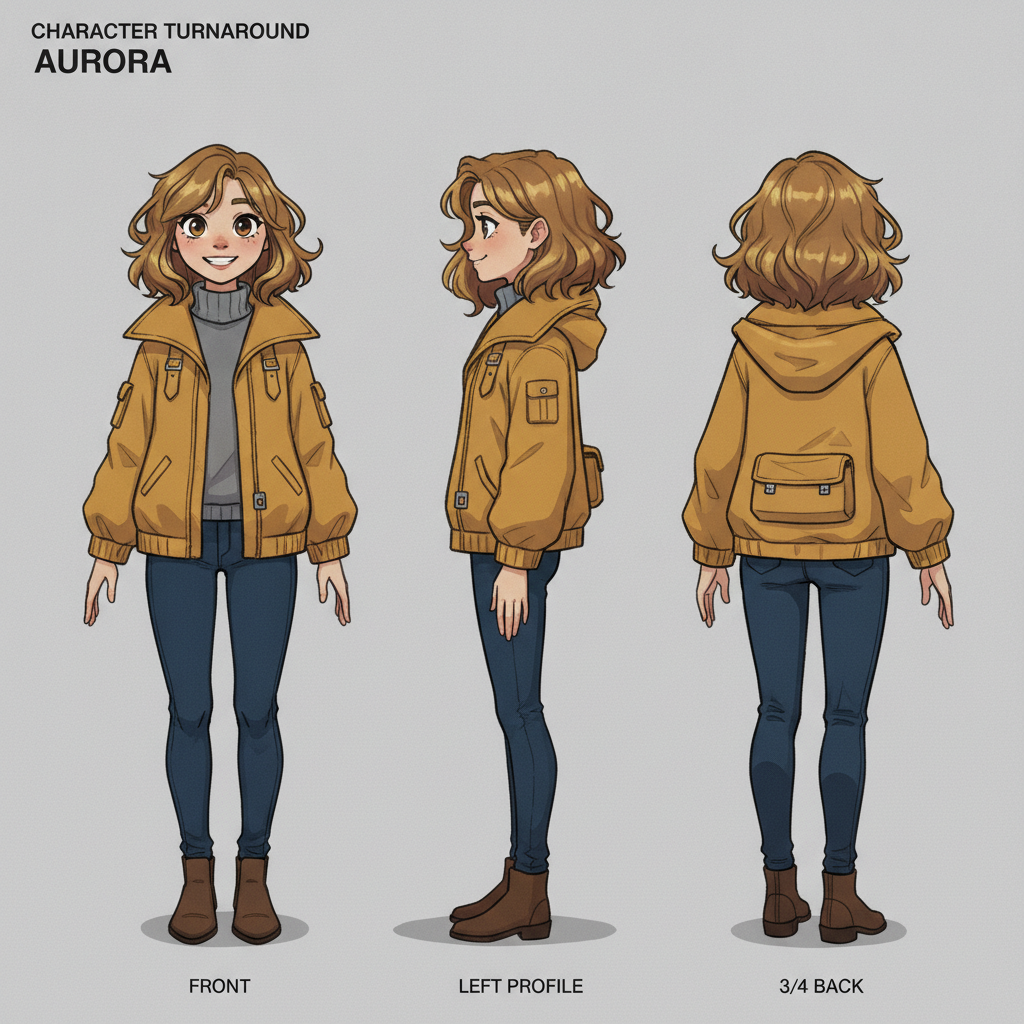
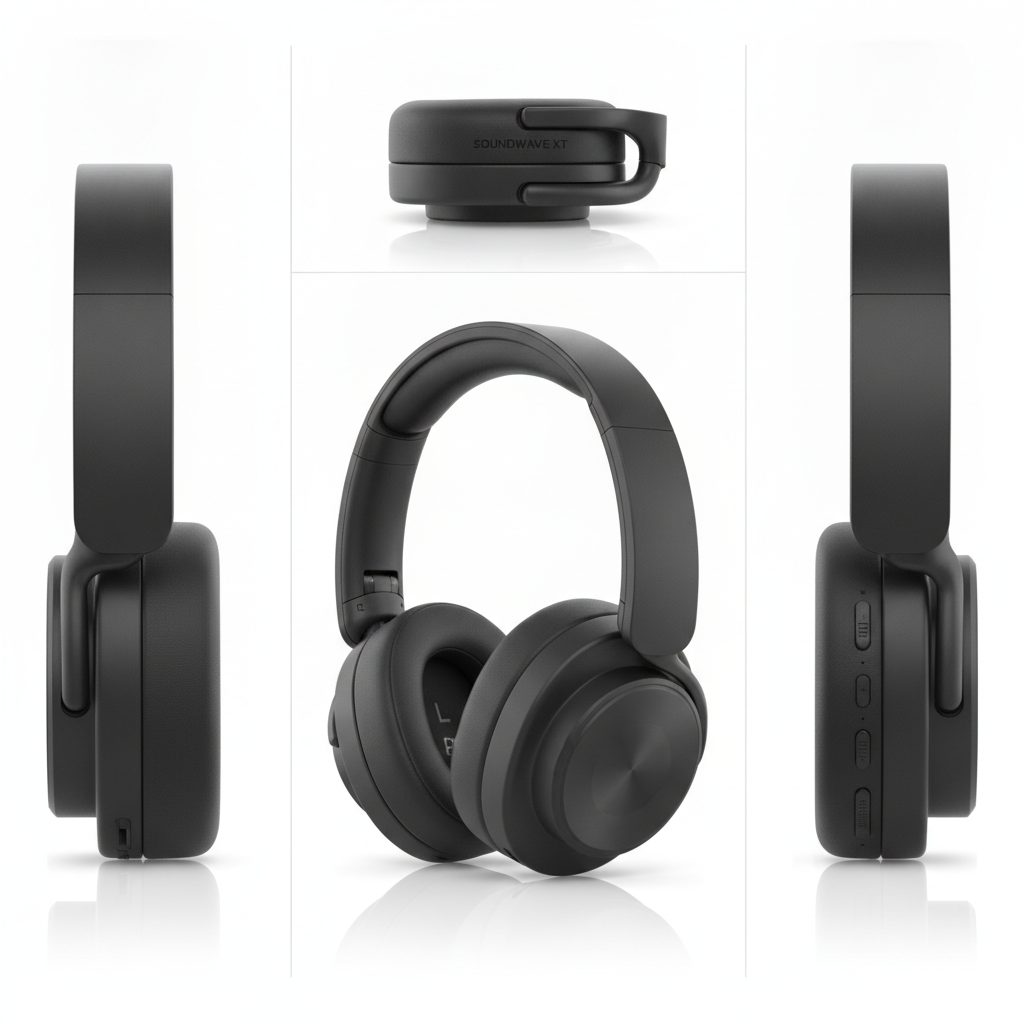
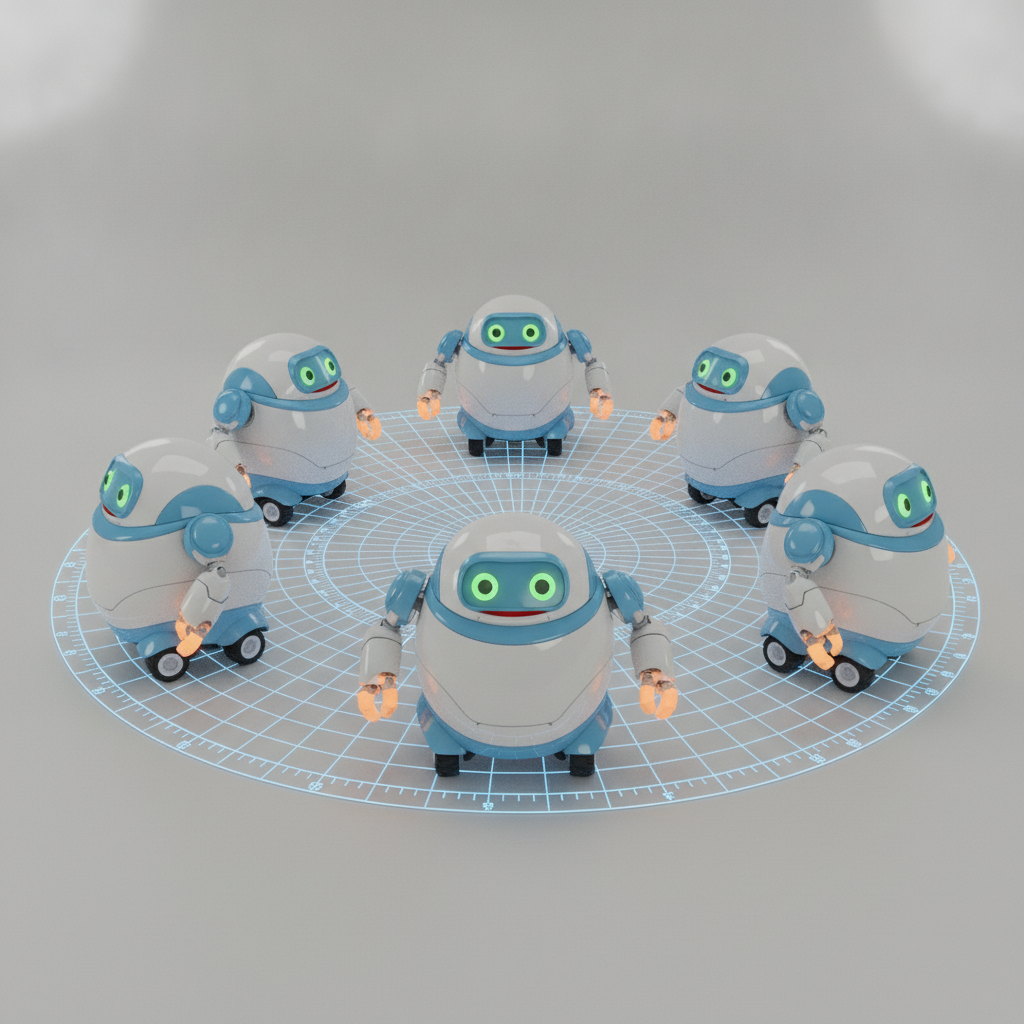
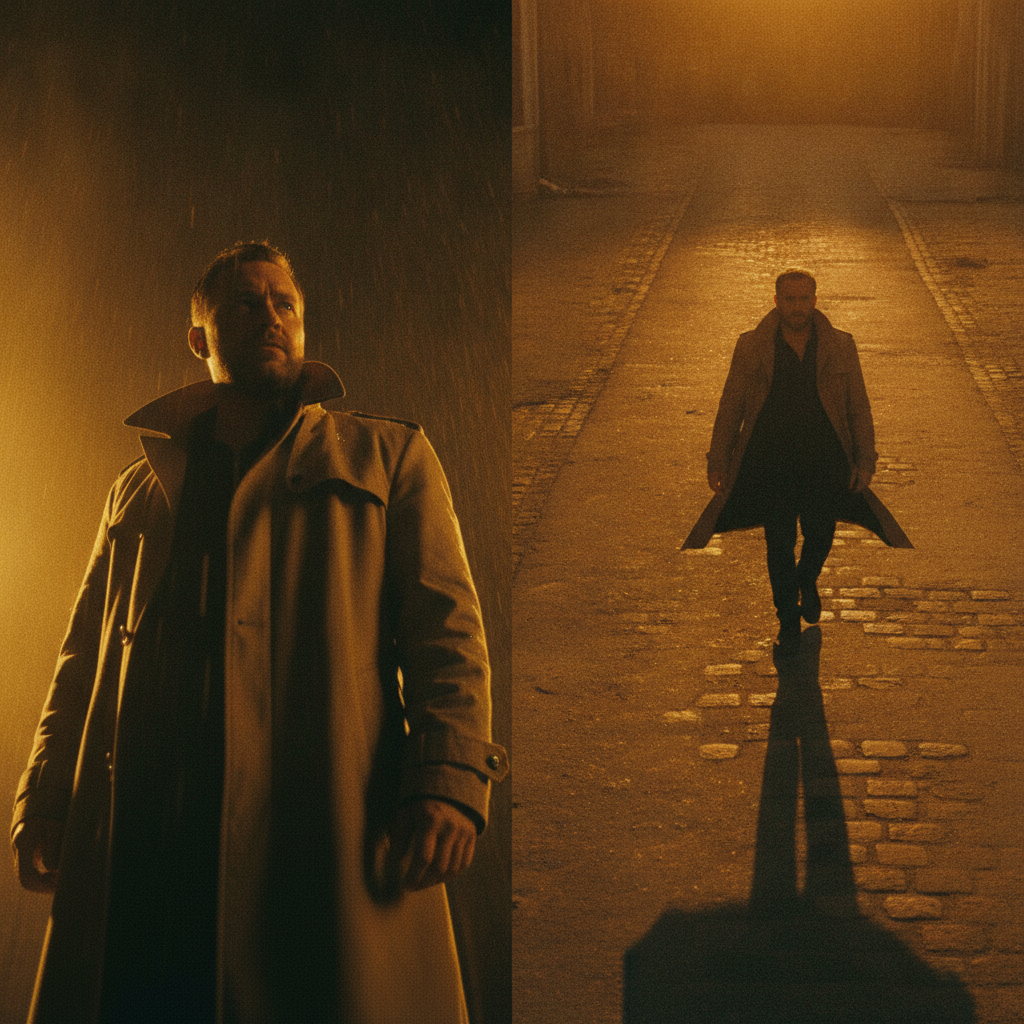
Each example shows the same subject captured from several camera angles at once. From character turnarounds to product shots, see how consistent multiple angles look when generated from a single reference.
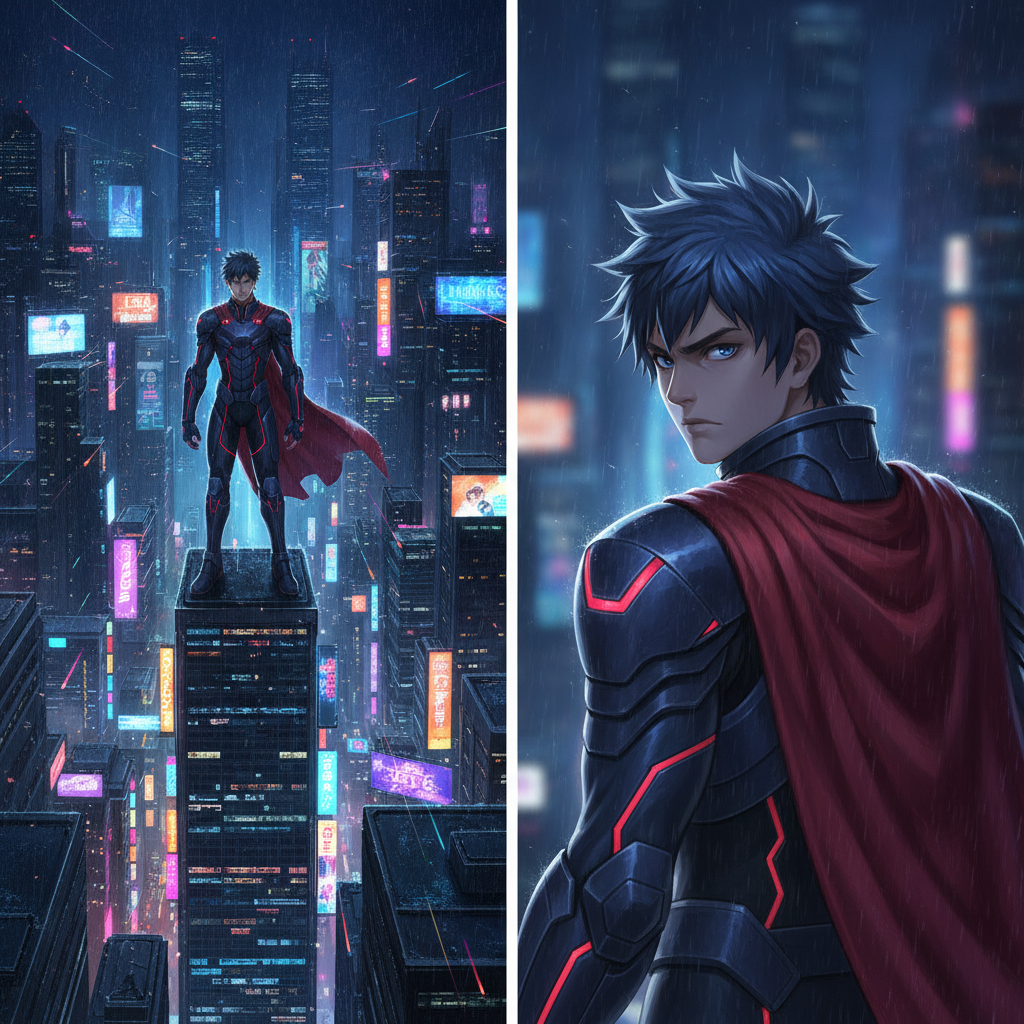
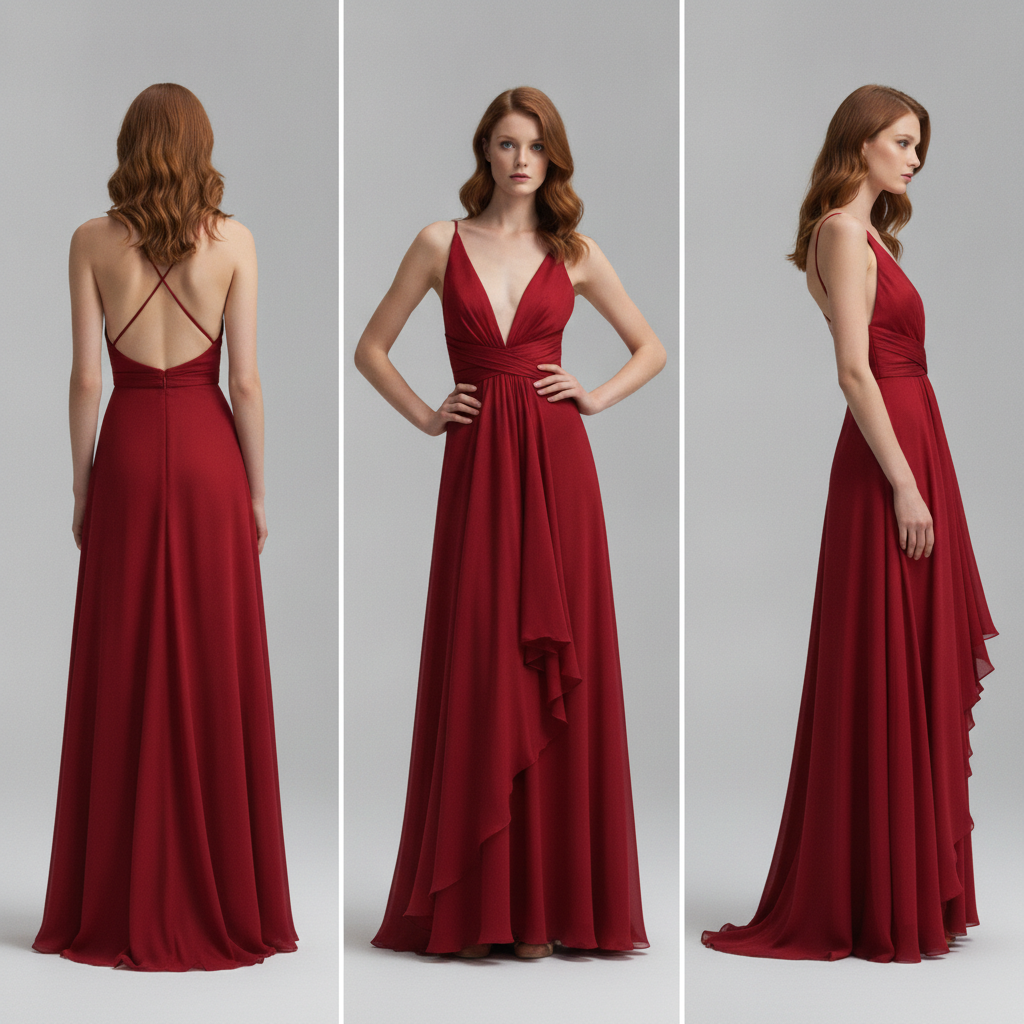
How the Multiple Angles Generator Works in 3 Steps
From one reference photo to a full set of camera angles in under a minute — no 3D modeling required
Upload One Reference
Drop in a single clear image of your character, product, or scene. The qwen image multiple angles style generator studies the subject — face, outfit, colors, proportions — so it can recreate the very same thing from a different point of view.
Pick an Angle
Choose a preset like front/side/back turnaround, three-quarter view, low and high angle, next scene, or product angles. Nano Banana Pro renders the new angle in about twenty seconds while keeping the same identity locked in place.
Download & Repeat
Download the result in high resolution with no watermark, then generate the next angle. Build a complete turnaround, a multi-view product sheet, or a consistent shot sequence without ever re-shooting or opening 3D software.
Why Creators Choose This Multiple Angles Generator
Six reasons people searching for qwen image multiple angles end up creating here instead
Consistent Identity
The biggest challenge with multiple angles is keeping the same face and design. This generator locks the identity, outfit, and colors across every view, so a character still looks like themselves from the front, the side, or the back.
One Photo Is Enough
No need for a 3D model, a photo studio, or a dozen reference shots. Upload a single image and the tool infers the rest, generating convincing new camera angles from just that one starting point in seconds.
Full Turnarounds
Create complete character turnaround sheets with front, side, three-quarter, and back views lined up and consistent — exactly what illustrators, game artists, and animators need as a reference before production.
Product Multi-View
E-commerce sellers can show a product from front, side, top, and three-quarter angles with matching lighting and reflections, filling out a listing gallery without renting a studio or hiring a photographer.
Free and No Sign-Up
Start generating multiple angles immediately — no account, no credit card, and no watermark on your first results. It is the quickest way to see whether AI multi-angle generation fits your workflow before upgrading.
Fast, High-Res Output
Nano Banana Pro returns each new angle in roughly twenty seconds at high resolution, so you can build a whole turnaround or shot sequence in minutes and iterate until every angle is exactly right.
Frequently Asked Questions
Common questions about qwen image multiple angles and this free generator
Generate Multiple Angles From One Photo Today
Upload a reference, pick an angle, and get a consistent new view in seconds with Nano Banana Pro — watermark-free. Free to start, plans from $2.99.
The Rise of Qwen Image Multiple Angles Generation
One of the hardest things in AI image creation has always been consistency. It is easy to generate a great-looking character once, but much harder to show that same character from a different camera angle without the face, outfit, or proportions drifting. That is why the qwen image multiple angles idea caught on: creators wanted a way to rotate a subject, grab a side profile, or set up the next shot while keeping everything recognizably the same. This generator brings that capability to your browser, powered by Nano Banana Pro, so you can turn a single reference into a full set of angles in minutes.
The workflow is refreshingly simple. Instead of modeling a subject in 3D, hiring a photographer, or shooting the same product a dozen times, you upload one image and let the tool infer the rest. Need a front, side, and back turnaround for a character sheet? A three-quarter hero angle for a portfolio? A low and high angle for a cinematic sequence? Each one is a single click and about twenty seconds away, with the subject's identity carried faithfully from angle to angle.
That makes multiple angles generation useful far beyond art practice. Game artists build reference sheets, animators lock down character turnarounds, comic creators plan panels, and online sellers round out product galleries — all from one starting image. Because every export is high resolution and watermark-free, the angles are ready to drop straight into production.
Getting the Most From a Multiple Angles Generator
The best results start with a clean reference. Use a sharp, well-lit image where the subject is clearly visible, and avoid heavy occlusion or extreme crops so the generator has enough information to rebuild the subject from a new point of view. Then choose the angle preset that matches your goal — front/side/back for a turnaround, three-quarter for a flattering hero shot, low and high angle for drama, next scene for a shot sequence, or product angles for e-commerce — and generate one view at a time to assemble the exact set you need.
Consistency is where this qwen image multiple angles style generator shines. Because Nano Banana Pro is built for strong character and product fidelity, the same face, wardrobe, colors, and materials follow the subject across angles. If a detail drifts, simply regenerate — generation is fast and free to try, so you can iterate until the whole turnaround feels like one coherent subject rather than several lookalikes.
The easiest way to understand what this multiple angles generator can do is to use it. Upload a reference on this page, pick an angle, and watch a consistent new view appear in seconds. Whether you are designing a character, filling out a product listing, or planning a cinematic sequence, this tool gives you qwen image multiple angles power with none of the setup. Start creating free, and upgrade for unlimited output from just $2.99.
Try the qwen image multiple angles generator free today. Upload one photo, generate a consistent new angle in seconds with Nano Banana Pro, and build a full turnaround without re-shooting. No sign-up required to start. Paid plans from $2.99.